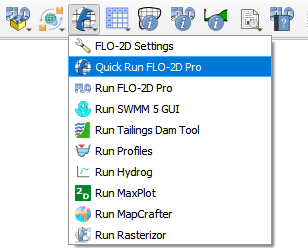
Quick Run FLO-2D Pro
The Quick Run tool streamlines the export of data and the execution of a FLO-2D run in one go, eliminating the need for separate export and run steps.
Click on the Quick Run FLO-2D Pro button.
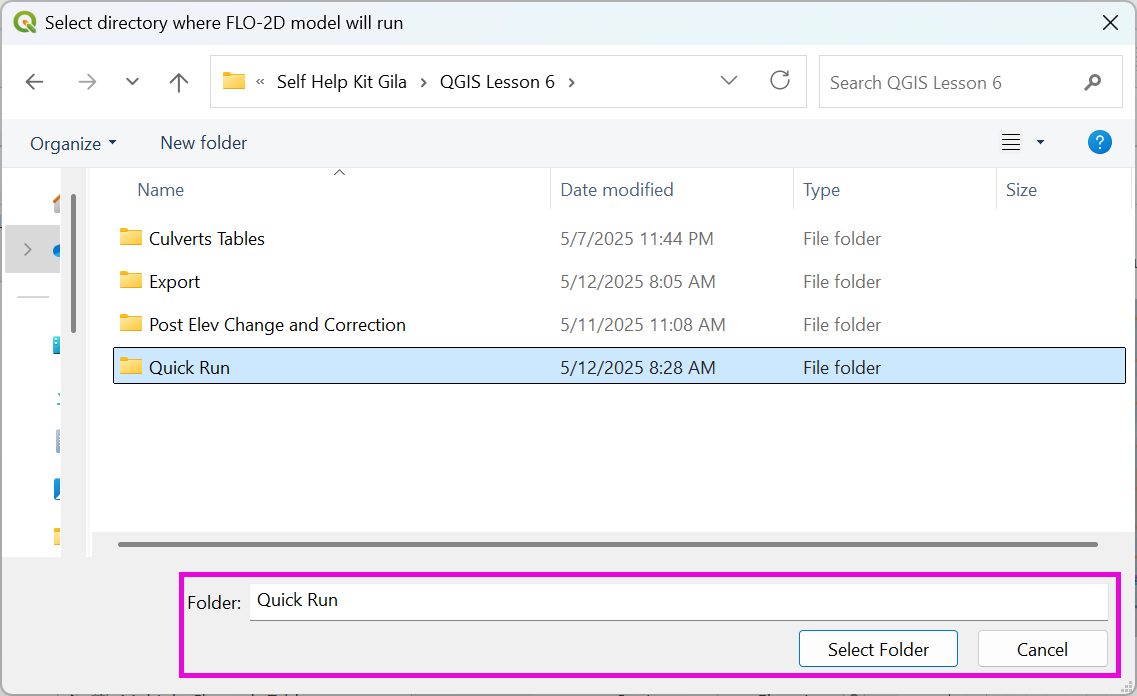
Select the Export Folder.
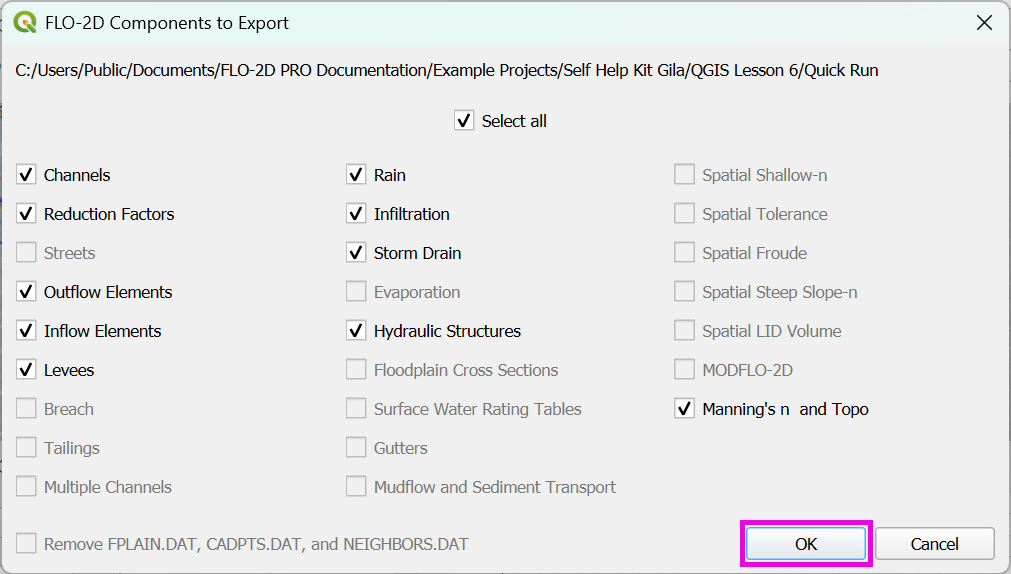
Select the components and click OK.
FLO-2D Pro will start and the simulation will run to completion.
Warning
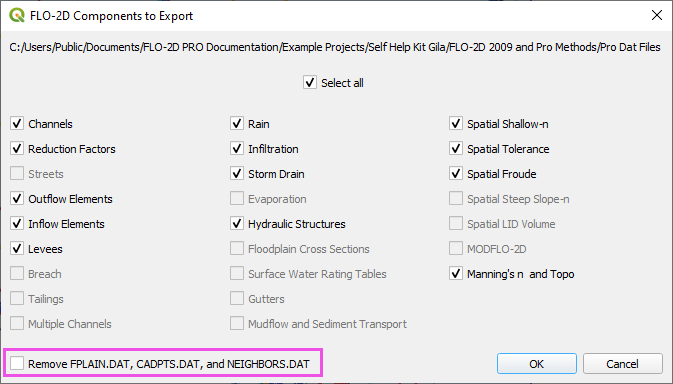
If you commonly export to the same folder, you might notice that the Remove FPLAIN.DAT, CADPTS.DAT, and NEIGHBOR.DAT checkbox is active. It’s important to check the box if you made a change to the grid shape, size, elevation, or roughness. FLO-2D engine will read the old files if they exist.